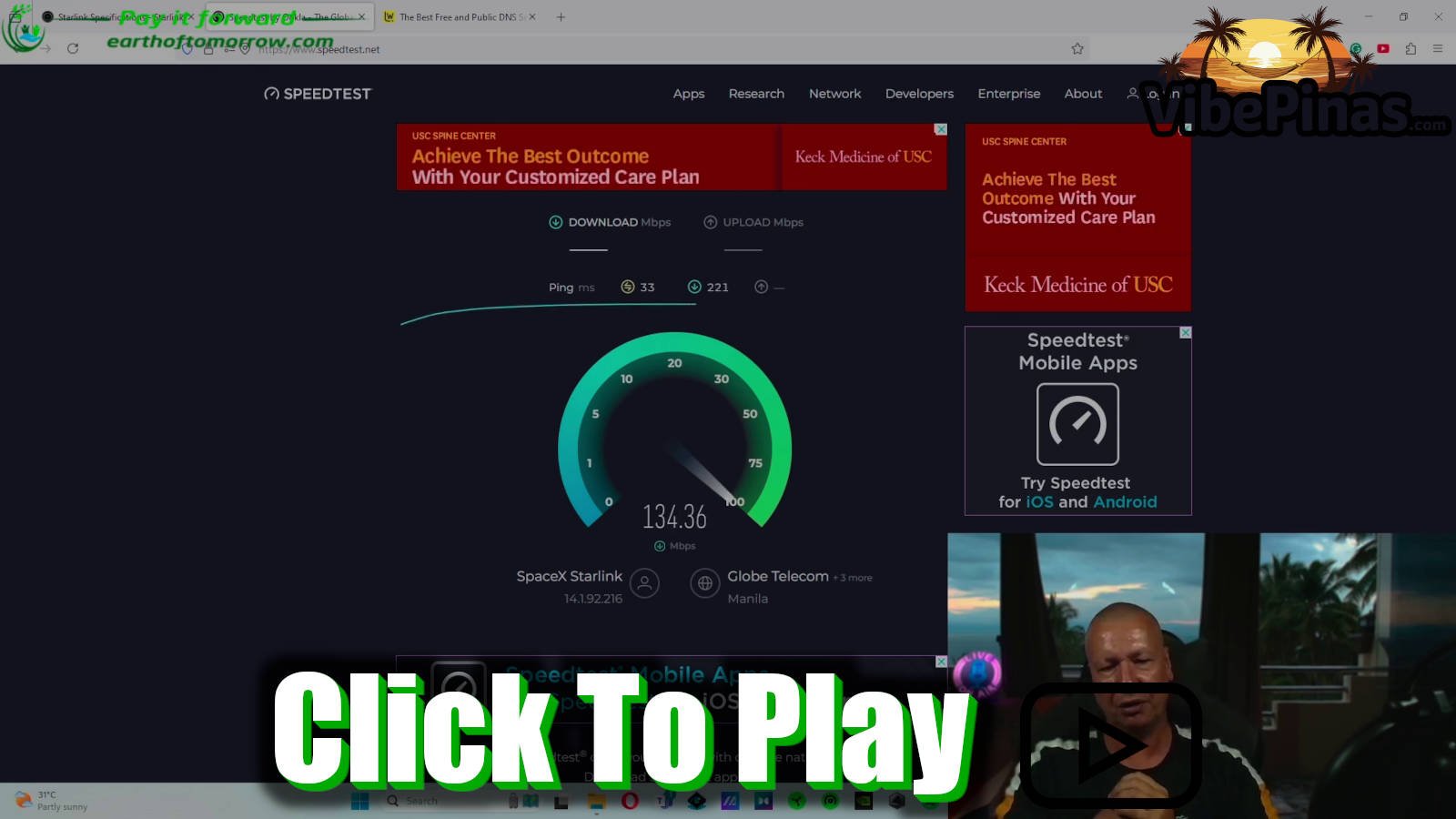
When I first got Starlink for our life here in the Philippines, I was beyond excited. Living a bit remotely in the Philippines means you’re often at the mercy of some pretty inconsistent internet, and Starlink promised to finally let me stream properly for our YouTube and Facebook pages. But even though it worked right out of the box with decent speeds, I hit a massive wall: I couldn't stream. I was getting packet losses of 30 to 40 frames per second, which made it impossible.
After a lot of Googling and digging through forums, I realized I wasn't alone. A lot of people are excited about Starlink for remote living, but they struggle with this exact same issue. The good news is, I found the fix, and it doesn't involve paying for a more expensive priority plan.
The first essential step is splitting your internet in the Starlink app. You need to separate the 2.4 GHz and 5 GHz bands. I cannot emphasize this enough: you must use the 5 GHz band for anything intensive like streaming or gaming. In our current rental while we build the Ronda house, the router is in my second-floor office. The 5 GHz signal is incredible right here, giving me download speeds over 130 Mbps and upload speeds that hit 30 Mbps or more—even while Jessa is downstairs live streaming to her 3 million followers and Liam is watching Netflix! For the rest of the house where the signal has to travel through walls, the 2.4 GHz band is perfectly fine for phones and general use.
The real "magic trick" for streaming, though, is changing your DNS settings. By default, Starlink uses its own DNS, which isn't always optimized for the Philippines. I went into the settings and switched to IPv6 DNS servers. I personally use Google's servers because they have them everywhere, but Cloudflare is another great option for speed and privacy. Since making that change, my packet loss has dropped from 40% to basically nothing—usually between 0.5% and 1.5%.
This optimization has completely changed the game for me. Not only can I stream smoothly now, but as an "old-time geek" and gamer, I can finally play titles like Battlefield and Forza without the frustration of lag. Starlink, combined with these small tweaks, has truly saved the day for our digital life.
If you’re setting up Starlink in the Philippines, don't just settle for the "out of the box" performance. Split that signal, get on 5 GHz, and update your DNS to IPv6. It’s the difference between just having internet and having a professional-grade connection that can handle the limits of what you want to do. Thanks for being part of the journey—now I’m off to go grab some chicken with the family!